Connecting the brief to the task
As a UI/UX designer at Ganttic, Oskar knows how quickly creative workloads can overlap. Whether working in-house or at a busy agency, designers are rarely assigned to just one thing. They are usually juggling several different client projects at the same time.
His main advice for planning is to monitor a person’s total capacity rather than just looking at individual project timelines.
To do this, his favorite feature is the Project Portfolio View in Ganttic. “The goal is to get a complete overview of all assignments across every active project,” Oskar explains. “When a designer is booked on three different projects, this view shows their actual total workload. It makes it easy to shift jobs around to avoid overallocations and manage work time better.”
As a second favorite, he customizes Data Fields specifically as clickable URLs for his tasks: “A lot of time is wasted searching for the latest version of a brief, so attaching those URLs directly to the task cuts out a lot of unnecessary messaging.”
See how Ganttic works for creative teams and agencies.
 The Ganttic team creates wonders on ice too!
Planning with colors and clarity
Gökçe handles the branding and marketing at Ganttic. Her day is mostly spent making sure our features and projects are explained clearly, which usually means she’s juggling a lot of different things at once.
Not surprisingly, she relies on Project Colors as a favorite feature. For her, it is a must-have in any planning tool to keep things from getting messy.
“In marketing, I deal with a constant stream of parallel, fragmented tasks. If I planned based on deadlines alone, I would be ignoring my capacity as a human,” she says.
Gökçe recommends starting from capacity when it comes to resource planning. She uses colors to make sense of the noise and explains:
“Project Colors turn a complex schedule into an instant visual capacity map. They allow you to identify campaign clusters without needing to click into individual tasks.”
Discover how to add colors to each individual item, including Resources, Tasks, and Projects.
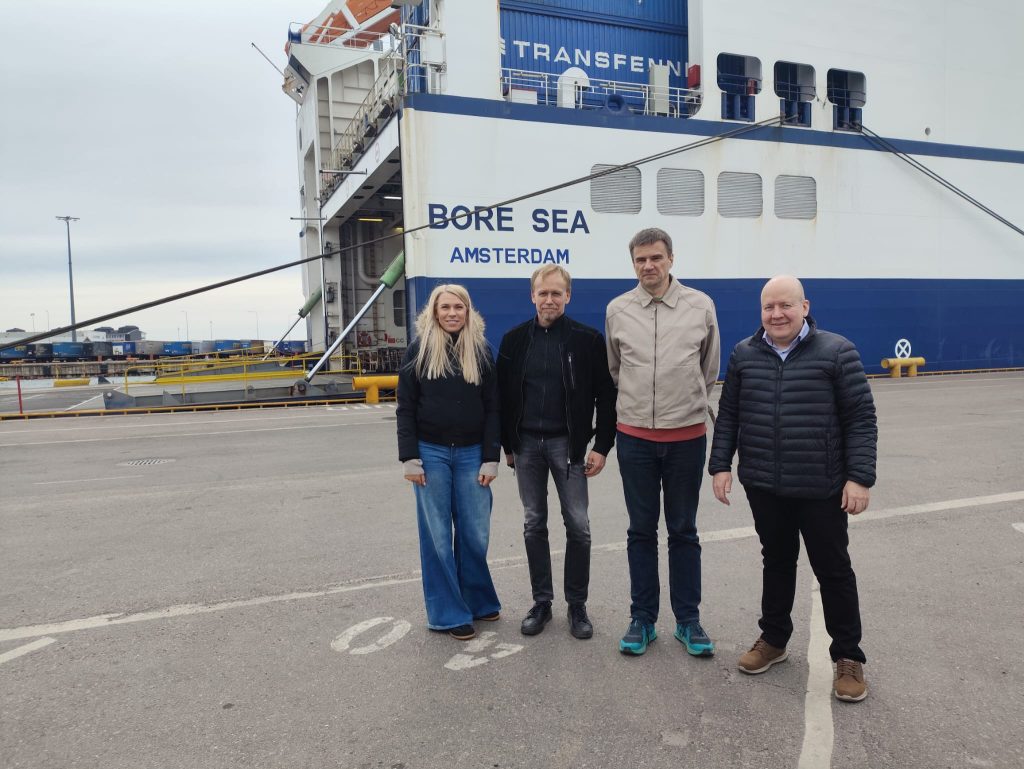 From left: Merlin Griffin, Customer Experience Specialist, Ganttic; Ivar Veenpere, Co-founder of Ganttic; Rainer Kivimaa, CO-founder & CTO, Ganttic; Timo Sjösten, COO/CIO, Port of Hanko
Mapping the way back
If you are a Ganttic customer, you are most likely using the Ganttic Mobile Planner. Grete is the developer who built it alongside the team.
When it comes to planning, for her, defining the end goal is the easy part. She says: “The challenge is mapping out the steps to get there without overloading everyone. I like to work backwards from the goal to ensure the timeline remains realistic.”
Grete’s approach to planning starts with getting every thought out of your head and then sorting or prioritizing them. One of her best pro-tips is to create all tasks as unassigned first. By doing this, you can focus on the project structure, requirements and the work itself before you worry about the actual scheduling or who will do what.
While Gökçe looks at the big project clusters, Grete prefers Taskbar Coloring to see the finer details. She explains: “Taskbar coloring can help you see the big picture and filter out important information visually. So, you can prioritize accordingly.”
Planning with the big picture in mind
Over on the development side, Kristiina takes a similar big picture approach.
Her main rule for resource planning is to think through the entire flow before committing to a schedule. She shares the same view as Grete (great minds and developers think alike!):
“I find that work always takes twice as long when everything needs to be redone once the big picture gets clear,” she explains. To handle this in Ganttic, she uses the unassigned line to lay out all tasks and add dependencies first. This lets her think through the project flow before the actual resource planning begins.
Her favorite feature bridges her work and personal life: Google Calendar Sync.
“I prefer the one-way sync, so all of my work-related planning flows nicely into my Google Calendar app on my phone. Even though I can use the Ganttic mobile app, having everything synced with my default calendar just makes life easier,” she says.
The speed of visual clarity
As our CTO, Rainer’s focus is on how efficiency scales. He believes your resource planner should be the heart of your business ecosystem, not an isolated spreadsheet.
When talking about what makes Ganttic a strong resource planner, Rainer says “visual fastness,” meaning the different View options and online Gantt charts.
“The visual aspect is about speed. You need a real-time map of your resources that allows for quick adjustments the second a conflict arises,” he explains. In a fast-moving company, you need to see the actual situation and react.
For Rainer, the best way to get that speed is through Views as the key feature. By creating custom, filtered views, different departments can see exactly what they need without the noise of the entire company’s schedule. It provides that visual overview that ensures resource updates happen in real-time, eliminating the risk of outdated information.
Learn more about Custom Views.
Finding the right level of detail
As one of the founders and CEO of Ganttic, Ivar has seen thousands of planning setups over the years. His perspective is rooted in the reality that most work doesn’t happen at a single point in time, but rather over a period. Often, several different tasks are at hand simultaneously.
To handle this, Ivar suggests a strategy focused on partial workloads.
“The length of the task should determine the period during which it must be completed, but the working time shows how much time it actually takes,” Ivar explains.
One way to do that in Ganttic is through Task Timing and Utilization. By adjusting the utilization percentage, you can assign tasks as fully or partially simultaneous. This allows the resource load calculation to show you both the total load for any period and the specific moments of possible overload.
Technical setup aside, Ivar points out that efficiency drops when planning becomes too complex. His core advice comes down to finding the right level of detail.
“If your plan is too broad, it offers no direction,” Ivar explains. “But if you track every minor step, your team will spend their day managing the schedule rather than doing the work.”
To him, true efficiency is a matter of prioritizing the right level of detail. “A reliable plan requires built-in flexibility, because the reality of the project will inevitably change,” he notes.
“Your plan has to adapt to those shifts. And the tool you use must be exactly as flexible, so everything can evolve naturally alongside your team.”